Microsoft upgrade free for some time ,
Yes, free! This upgrade offer is for a full version of Windows 10, not a trial. 3GB download required; internet access fees may apply. To take advantage of this free offer, you must upgrade to Windows 10 within one year of availability. Once you upgrade, you have Windows 10 for free on that device.
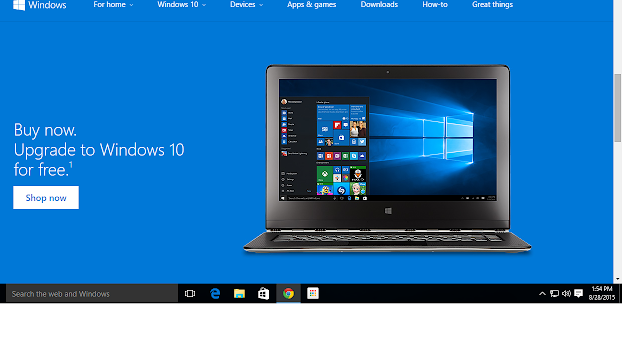
Windows 10 Upgrade Offer is valid for qualified Windows 7 and Windows 8.1 devices, including devices you already own. Some hardware/software requirements apply and feature availability may vary by device and market. Features vary by device. Devices must be connected to the internet and have Windows Update enabled. Windows 7 SP1 and Windows 8.1 Update required. Some editions are excluded: Windows 7 Enterprise, Windows 8/8.1 Enterprise, and Windows RT/RT 8.1. Active Software Assurance customers in volume licensing have the benefit to upgrade to Windows 10 enterprise offerings outside of this offer. To check for compatibility and other important installation information, visit your device manufacturer’s website and the Windows 10 Specifications page. Windows 10 is automatically updated. Additional requirements will apply over time for updates. See the Windows 10 Upgrade page for details.
From http://www.microsoft.com/en-in/windows/windows-10-upgrade
Yes, free! This upgrade offer is for a full version of Windows 10, not a trial. 3GB download required; internet access fees may apply. To take advantage of this free offer, you must upgrade to Windows 10 within one year of availability. Once you upgrade, you have Windows 10 for free on that device.

Windows 10 Upgrade Offer is valid for qualified Windows 7 and Windows 8.1 devices, including devices you already own. Some hardware/software requirements apply and feature availability may vary by device and market. Features vary by device. Devices must be connected to the internet and have Windows Update enabled. Windows 7 SP1 and Windows 8.1 Update required. Some editions are excluded: Windows 7 Enterprise, Windows 8/8.1 Enterprise, and Windows RT/RT 8.1. Active Software Assurance customers in volume licensing have the benefit to upgrade to Windows 10 enterprise offerings outside of this offer. To check for compatibility and other important installation information, visit your device manufacturer’s website and the Windows 10 Specifications page. Windows 10 is automatically updated. Additional requirements will apply over time for updates. See the Windows 10 Upgrade page for details.
From http://www.microsoft.com/en-in/windows/windows-10-upgrade
Comments